
Why does a mobile computer that passed the manufacturer’s durability tests start running slower, charging poorly, or showing a scratched screen after just a few months on the production floor? And is there a way to prevent this without sending the device for repair or replacing it?
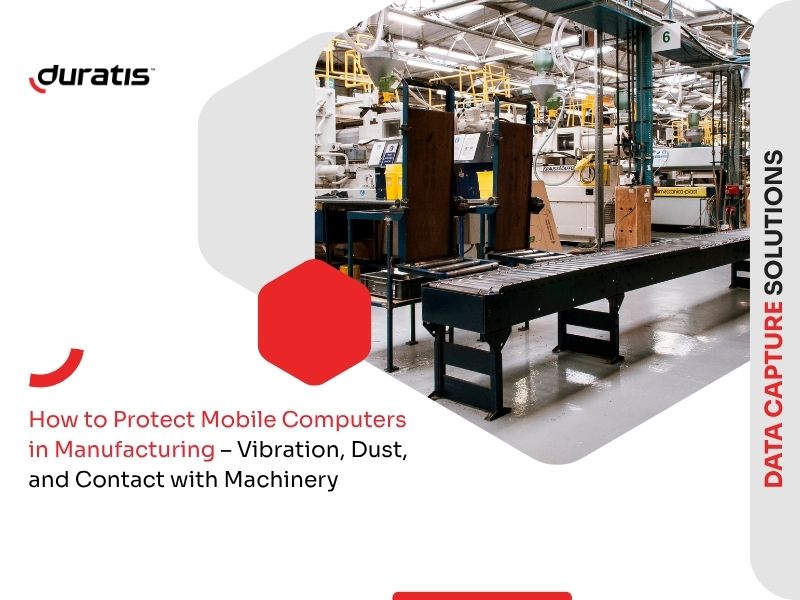
Mobile computers used in manufacturing plants operate in conditions that standard durability tests rarely account for. Vibration, industrial dust, and contact with machinery lead to damage that’s rarely the result of a single incident – more often, it’s the outcome of gradual wear and tear.
In a manufacturing environment, even minor damage to a mobile computer can mean halting an operator’s work, replacing the device, or waiting for a repair. As a result, seemingly small issues translate into downtime, additional costs, and reduced process efficiency.
Read also: How to Avoid Downtime Caused by Mobile Device Failures
What conditions on the production floor put the most strain on mobile computers?
Three factors have a particularly strong impact on the durability of mobile computers in manufacturing environments:
- Vibration generated by production lines, presses, or conveyors – affects the device continuously, even when the operator isn’t actively using it.
- Industrial dust – metal shavings, plastic particles, or wood dust, depending on the industry – settling on keypads, charging ports, and screens.
- Contact with machine parts, tools, or pallets – the main cause of everyday minor scuffs and impacts, separate from drops.
Vibration causes microscopic stress on the housing and internal connections that builds up over weeks. Unlike a drop, whose effects are visible immediately, the impact of vibration develops gradually and often goes unnoticed for weeks. Dust combined with moisture (for example, during floor cleaning) forms a residue that interferes with buttons and connectors.
What are the most common types of damage to mobile computers in this environment?
Commonly reported issues include:
- scratches and micro-cracks on the screen,
- dust accumulation in charging ports and USB connectors,
- sticking keys on physical keyboards,
- weakened housing integrity at the seams.
In heavily used devices, the screen starts showing signs of wear very quickly if it isn’t protected with a screen protector, and repeated micro-damage affects its clarity and impact resistance over time. Dust in the charging port often only becomes apparent when the device fails to charge – and the device itself gets blamed, rather than the lack of protection.
How can you protect the screen and keyboard from dust and scratches?
A screen protector is a basic, though often underestimated, safeguard – it protects against scratches and makes it easier to clean a surface exposed to dust and moisture.
For devices with a physical keyboard, a keyboard protector adds another layer of defense. It reduces the amount of dust and moisture reaching between the keys without affecting key sensitivity – which matters during the intensive, repetitive data entry typical of manufacturing work.
Rugged case or carrying case – which works better in manufacturing?
The choice depends on how the device is used during a shift – these are two separate solutions suited to different needs. A rugged case, made from impact-resistant TPU, provides direct protection for the housing against impacts and scuffs – a good fit when the device is frequently set down at a workstation or passed between workers.
A textile carrying case focuses primarily on how the device is carried, but this also translates into protection – wearing the device on the wrist or on a shoulder strap reduces the risk of drops, since the device isn’t placed on unstable surfaces. The case material also limits the device’s exposure to dust and dirt while it’s being carried.

How should you carry your mobile computer on the production floor?
How a device is carried affects how often it gets set down or exposed to accidental contact with its surroundings:
- Shoulder strap – works well for frequent, short-term use, when the operator moves between workstations.
- Hip belt with a 360° rotating clip – suited to work that requires freedom of movement, such as frequent bending or turning near machinery.
- Wrist mount – recommended mainly for smartphone-sized devices; the device can be quickly put on or taken off the wrist depending on the task at hand.
Each of these methods allows hands-free operation, since the device doesn’t need to be held at all times.
The choice of method also depends on device size. Smaller, smartphone-sized computers can be carried using any of the methods above. Larger mobile computers are best suited to a shoulder strap.
How do you choose the right set of accessories for your mobile computer?
The decision should depend mainly on what matters more for a given workstation: protection against impacts or the worker’s mobility. A rugged case makes sense when the risk of frequent drops or impacts is high. A carrying case works better where freedom of movement matters most, with drop protection coming from the way the device is carried.
Both solutions pair well with a screen protector – worth using regardless of which case is chosen – and a keyboard protector, if the device has a physical keyboard. Protecting the device isn’t just a way to avoid repair costs; it also helps lower the total cost of ownership over time.
Summary
Vibration, dust, and contact with machinery cause mobile computers to wear down gradually, which is why preventing damage is more effective than dealing with it after the fact. The right accessories should be chosen based on working conditions and how the device is actually used. This helps reduce the risk of costly repairs, cut down on downtime, and extend the device’s service life.
FAQ
Is a screen protector enough to protect a mobile computer in manufacturing?
A screen protector guards against scratches and makes cleaning easier, but it doesn’t replace housing protection. In environments with a high risk of drops or impacts, it’s worth adding a rugged case as well.
Does a keyboard protector affect key sensitivity?
A well-fitted protector designed for a specific device model doesn’t reduce key sensitivity, while still shielding the keyboard from dust and moisture.
Can a rugged case and a carrying case be used together?
No – these are two separate solutions, chosen depending on the need. A rugged case prioritizes protection against impacts, while a carrying case focuses on comfort and mobility, offering indirect protection against drops and dirt.
Does every production workstation require the same approach to protecting a mobile computer?
No. Accessory choice should depend on the conditions at a given workstation – the level of dust exposure, the risk of drops, and whether housing durability or freedom of movement matters more.

